AI Video Generator for Music Videos: A Sync Guide
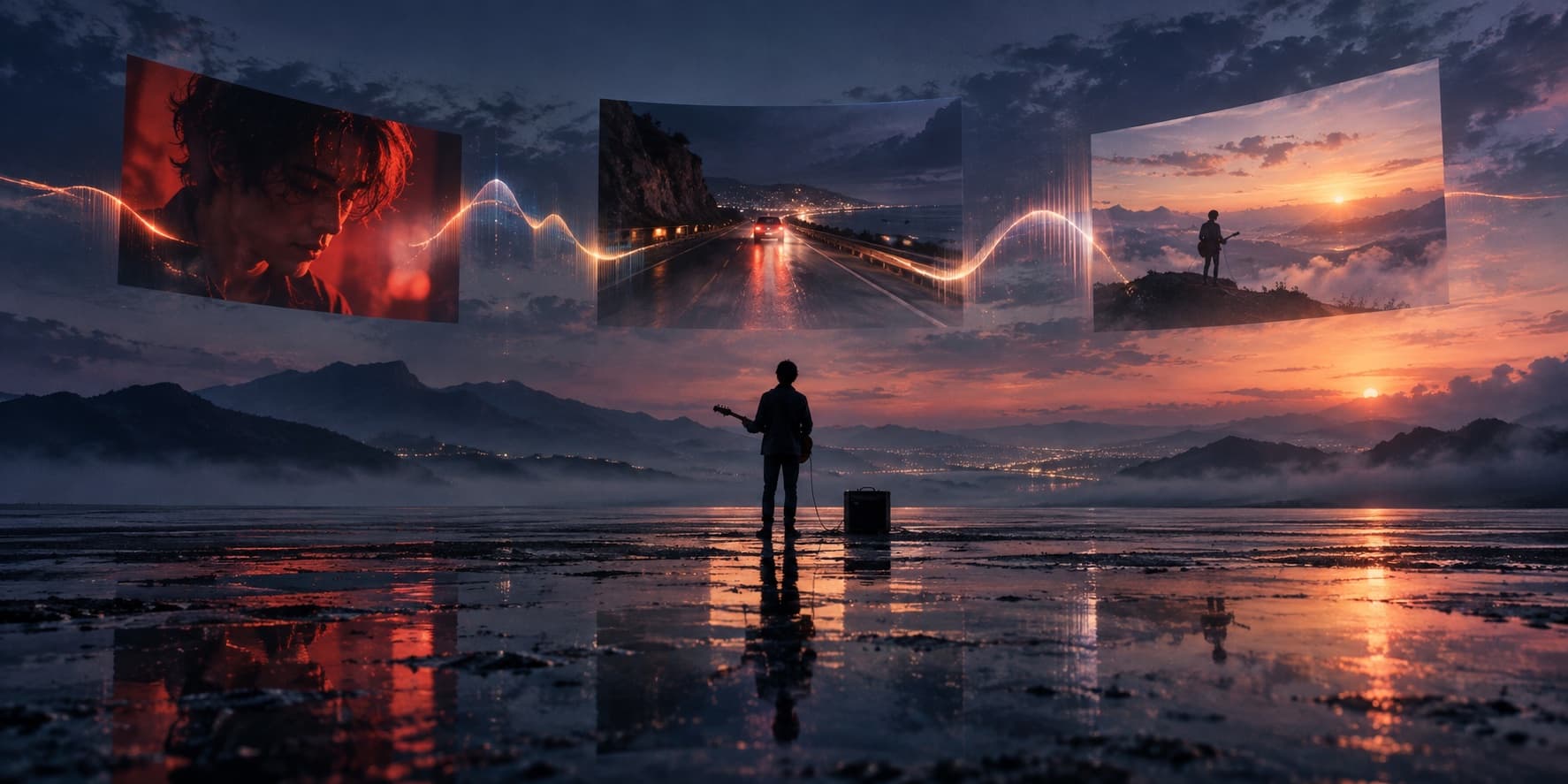
An AI video generator for music videos should follow a song’s structure, not just add random clips. This guide shows how to plan and review the result.
What is an AI video generator for music videos?
An AI video generator for music videos turns a track, a prompt, or both into moving scenes. Music-focused workflows may analyze a full song; general text-to-video tools often make short clips that you edit yourself. A visualizer reacts to sound, while a music video uses an editorial idea such as performance, story, or a recurring image.
A striking shot can still feel misplaced if the visual peak arrives during a quiet intro. Judge the sequence against the song, not as a set of attractive frames.
Why beat sync is not the same as cutting on every beat
Tempo helps, but it does not describe a whole arrangement. A song may move from a sparse verse to a dense chorus, pause before a drop, or stretch a vocal phrase across the bar line. A steady beat grid can make every section feel equally busy.
Use accents as opportunities, not a rule. Cut on a kick or cymbal when it helps; hold a shot through a long note or gradual build. The edit should make a musical change visible without turning the video into a metronome.
What to look for in an AI music video generator
Compare tools by the controls they give you:
- Audio: Does it handle the full song, including the intro, outro, and silence?
- Structure: Can you see section timing and energy changes, or only set a style?
- Editing: Can you review the storyboard, replace scenes, and adjust timing?
- Continuity: Can you reuse a subject, setting, or reference?
- Export: Can it deliver the aspect ratio and resolution you need?
These checks show whether the generator supports a full workflow or only supplies footage for another editor.
A practical audio-first workflow
- Lock the audio. A later song edit can shift every visual boundary.
- Mark the structure by listening. Note sections, fills, pauses, and the ending. Use a beat grid as a reference, not a replacement for listening.
- Set a visual rule. Choose a recurring subject, palette, and camera style. Describe how they change as the arrangement builds.
- Review still frames first. Check adjacent storyboard scenes together. Replace a frame that breaks continuity before generating motion.
- Watch transitions on the full track. Check for late cuts, repeated imagery, sudden energy shifts, and endings that outlast the audio.
- Reframe after the main edit. Keep the song’s key moment and the focal subject in view when making a vertical clip.
Replace the scene that weakens the visual arc, then replay the surrounding passage. Regenerating everything can discard moments that already fit.
Where AI-generated music videos still need a human edit
AI may vary a face, costume, instrument, or location between shots. It can also interpret lyrics literally or add movement that fights the performance. Inspect lip sync, a specific performer, and on-screen words closely; plan for manual correction when those details matter.
Keep the final audio as the timing authority. Listen for missing phrases, clipped endings, and transitions that interrupt the music. Use tracks, lyrics, likenesses, and reference images you have permission to use, and check current export and usage terms before publishing.
Start with the song, then shape the scenes
Visit MusicGPT to start a track-to-video idea, then bring the finished audio into Music2Video Studio to plan its scenes. Keep your attention on the moments where sound and image need to agree.
Frequently asked questions
Does an AI video generator for music videos sync every cut to the beat?
Some tools analyze a track and suggest timing, but a beat map does not decide where every cut belongs. Review accents, lyric phrases, section changes, and held notes by ear.
Can AI make a full-length music video from one song?
Some music-video workflows plan against a full track. General text-to-video tools may return short clips that you need to arrange and time in an editor. Check supported duration and export controls before starting.
How can I keep AI music video scenes visually consistent?
Define the subject, setting, palette, wardrobe, and camera style once. Reuse those references, then review keyframes together before generating motion.
Keep reading
Related articles
How to Make AI Music Videos
Making an AI music video is easier when the song stays in charge. The best AI music video generator workflow maps musical structure to short, editable…
Read article
Make Music Videos: From Song Idea to Finished Edit
Make music videos with a clear concept, a shot plan, and an edit that follows your song. Learn how to plan, create, and check each scene before publishing.
Read articleMureka Alternatives: 5 Best AI Music Tools
Mureka is a strong AI music starting point. The best Mureka alternatives depend on whether you need full songs, soundtrack control, or a finished music…
Read articleMake something
Recommended tools
Explore the workflow