Make Music Videos: From Song Idea to Finished Edit
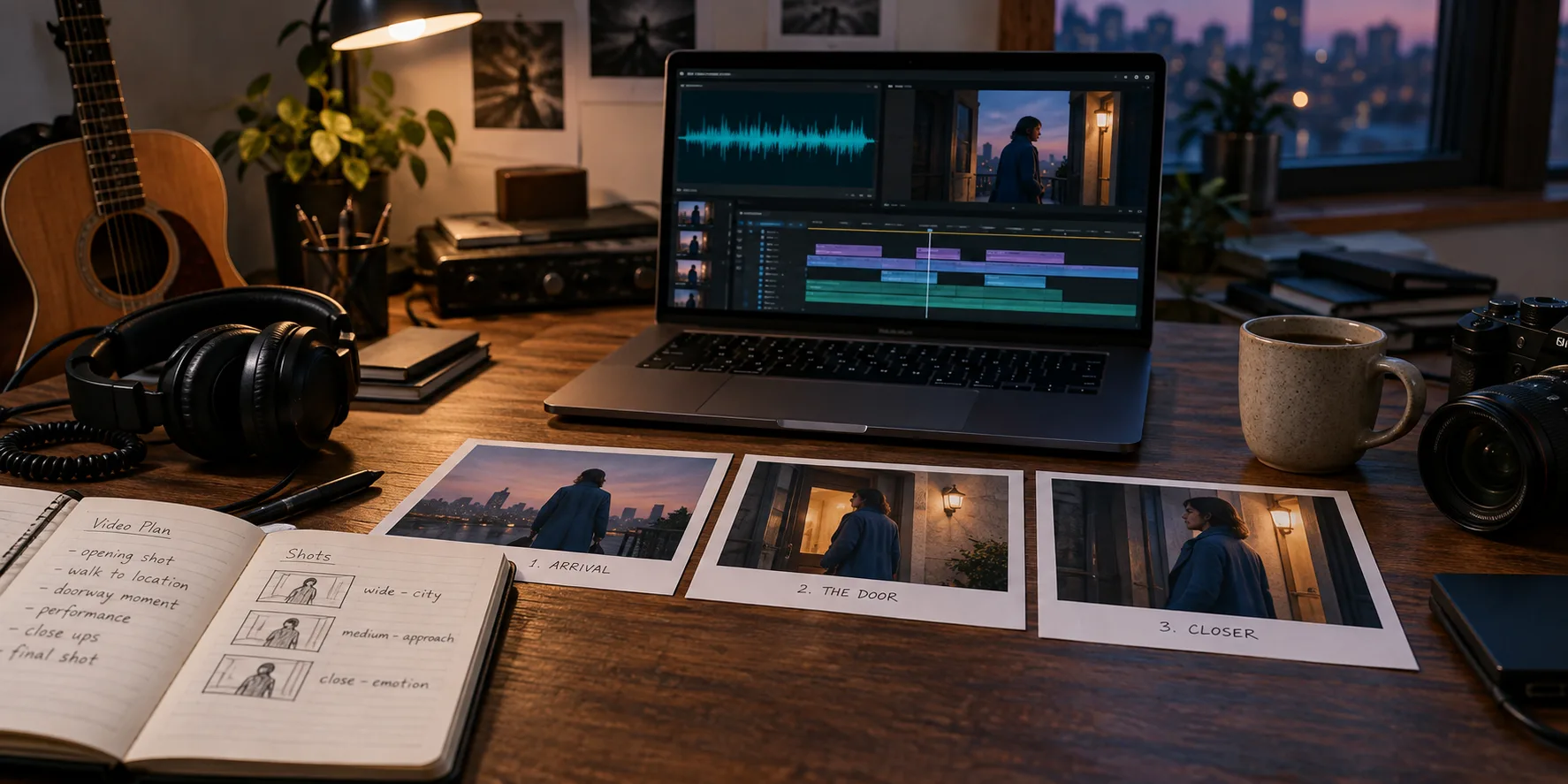
Make music videos with a clear concept, a shot plan, and an edit that follows your song. Learn how to plan, create, and check each scene before publishing.
To make music videos, pair a finished recording with planned visuals, arrange those visuals around the song's sections, and review the exported result. Independent musicians can film footage, generate scenes with AI, or combine both. Start with one chorus to test the direction before producing a full track.
What makes a music video work?
A music video gives a song a visual interpretation through performance, story, lyrics, or abstract motion. Its shots should support the recording's emotion and structure. A clear visual idea helps listeners follow the song even when the video uses one location and a small set of shots.
Choose the format before choosing equipment. Film a performance when the artist's presence matters. Build a narrative when the lyrics suggest a change or conflict. Use a lyric video when readable words are the main focus. Mixing formats works best when each serves a specific section.
Plan how to make music videos around your song
Write a one-sentence brief: “A singer waits at a doorway through the verses, then steps outside during the final chorus.” This gives the video a beginning, a repeated image, and a visible change without requiring many locations.
Listen to the final recording and mark the intro, verses, choruses, bridge, and ending. Give each section a purpose. A quiet verse might use a held close-up; a chorus might open into a wider shot. Cutting on every beat can make both sections feel equally busy.
Create a small shot list with four details per shot: time range, subject, action, and framing. For example, a chorus shot could show the same singer opening the door in a medium view. Keep clothing and lighting consistent so the edit connects naturally.
Create footage that fits the plan
- Choose the frame shape. Plan a horizontal music video or a vertical social cut before creating shots. Keep important faces and lyric text inside the intended crop.
- Prepare a visual reference. Select the wardrobe, setting, and lighting. Reuse these choices across filming sessions or generated scenes.
- Make a short test. Film or generate the chorus first. Check whether the movement fits the recording before committing to the remaining sections.
- Review continuity. Compare neighboring shots for changes in faces, clothing, props, and screen direction. Replace distracting mismatches before editing the full song.
Filming gives you direct control over a real performance. AI generation helps create imagined settings, but it can introduce inconsistent details or motion. Choose based on the shots you need, and allow time to review either approach.
Make music videos with an editable AI workflow
Use the ai music video generator to start Music2Video's audio-to-video workflow. Add your recording, select the section you want, and review the storyboard. Adjust scene timing and prompts before generating keyframes and video clips.
Describe visible actions instead of vague moods. “Singer in a blue coat beside a warm doorway at dusk, slow camera push” gives a scene clearer direction than “emotional cinematic masterpiece.” Review the still frames together before generating motion. The audio-to-video guide explains the workflow further.
Check the edit before publishing
Watch once for rhythm and once for visual errors. Check the first frame, transitions, lyric spelling, and final audio fade. Preview on a phone to catch text that is too small or faces lost in a crop. If words are the main focus, follow the lyric timing and readability checklist before publishing.
For YouTube, its official upload recommendations list MP4, H.264 video, and 48 kHz audio. Keep the recorded frame rate when exporting filmed footage. Review the actual exported file, not only the editor preview.
Pick footage by what must stay recognizable
| Requirement | A useful starting choice | Review before a full production |
|---|---|---|
| A real artist must look recognizable | Film the performance or test approved references | Compare faces and wardrobe between neighboring shots. |
| An imagined location carries the story | Generate a short cinematic sequence | Check geography, screen direction and repeated objects. |
| Listeners need to read the chorus | Use an editable lyric text layer | Check spelling, timing and the phone crop. |
This table is a production decision aid, not a claim that one method always costs less. Try the song-to-video planning guide for the shot list, then the AI production passes if you choose generated footage. For visual interpretation of a lyric, use the lyrics-to-scenes example.
Frequently asked questions
Can I make music videos without filming?
Yes. You can use generated scenes, animation, still images, or licensed footage. Keep a consistent visual direction and edit the material against your finished song.
What do I need to make music videos at home?
Start with a finished audio file, a short visual brief, and a video editor or generation tool. For filmed performance scenes, add a phone, stable support, and consistent lighting.
How do I make music videos look consistent with AI?
Reuse character references and descriptions of wardrobe, setting, and lighting. Approve keyframes together before generating clips, then replace shots with visible continuity errors.
Keep reading
Related articles
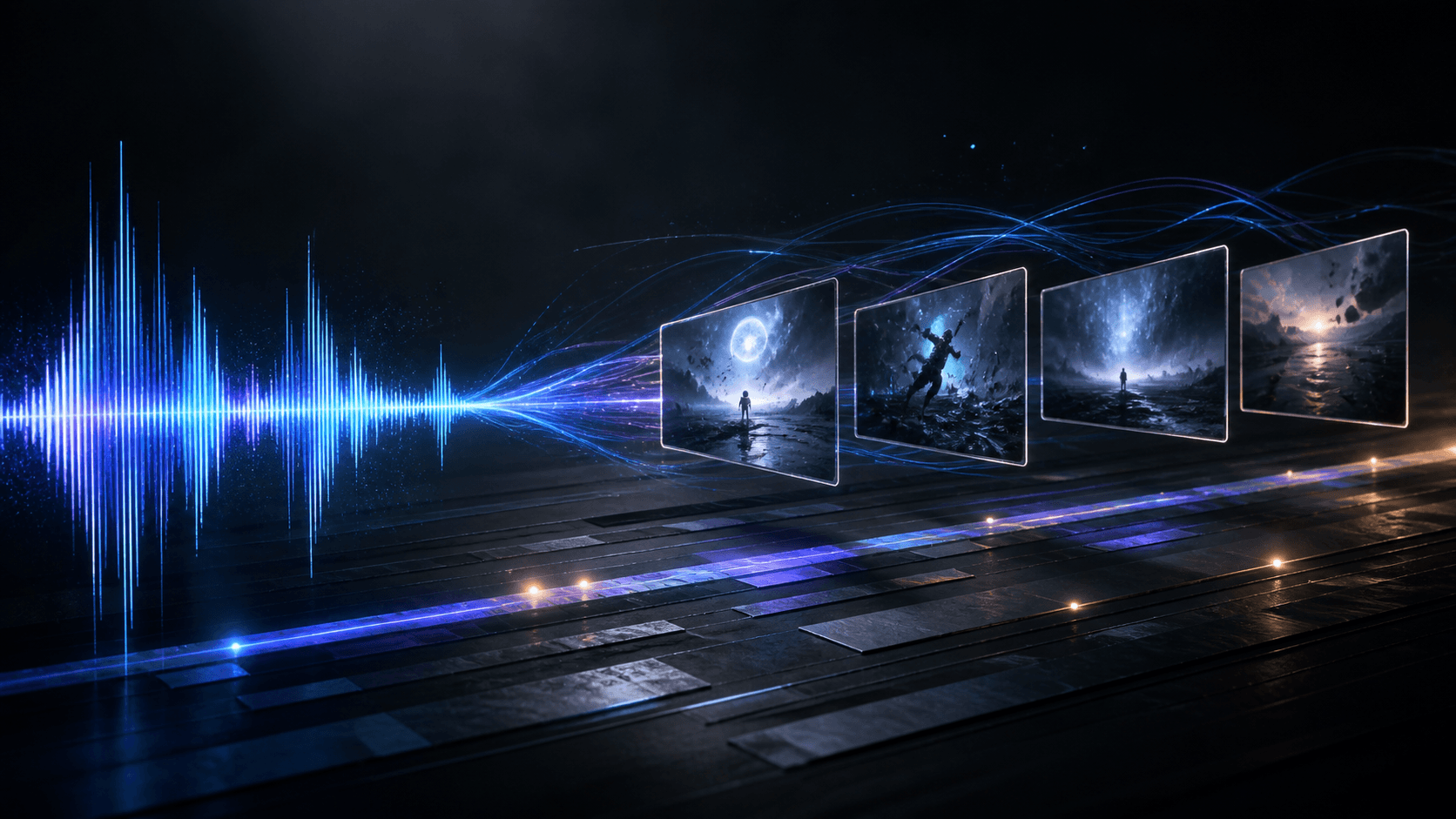
How to Make AI Music Videos
Making an AI music video is easier when the song stays in charge. The best AI music video generator workflow maps musical structure to short, editable…
Read article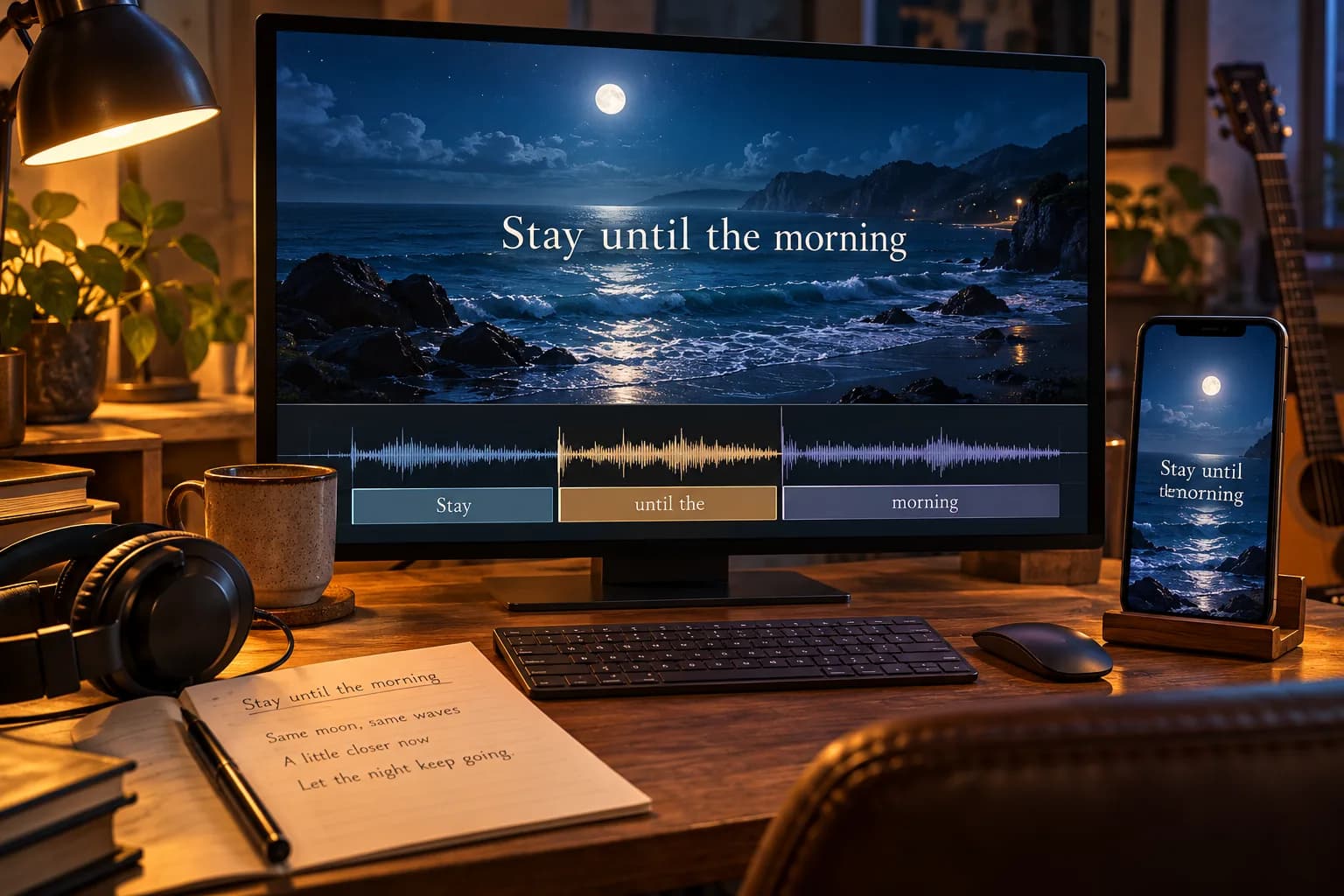
AI Lyrics Video Maker: Get Words and Timing Right
An AI lyrics video maker pairs song audio with timed text. Learn to correct lyric timing, choose readable layouts, and check your video before publishing.
Read articleMureka Alternatives: 5 Best AI Music Tools
Mureka is a strong AI music starting point. The best Mureka alternatives depend on whether you need full songs, soundtrack control, or a finished music…
Read articleMake something
Recommended tools
Explore the workflow