How to Make AI Music Videos
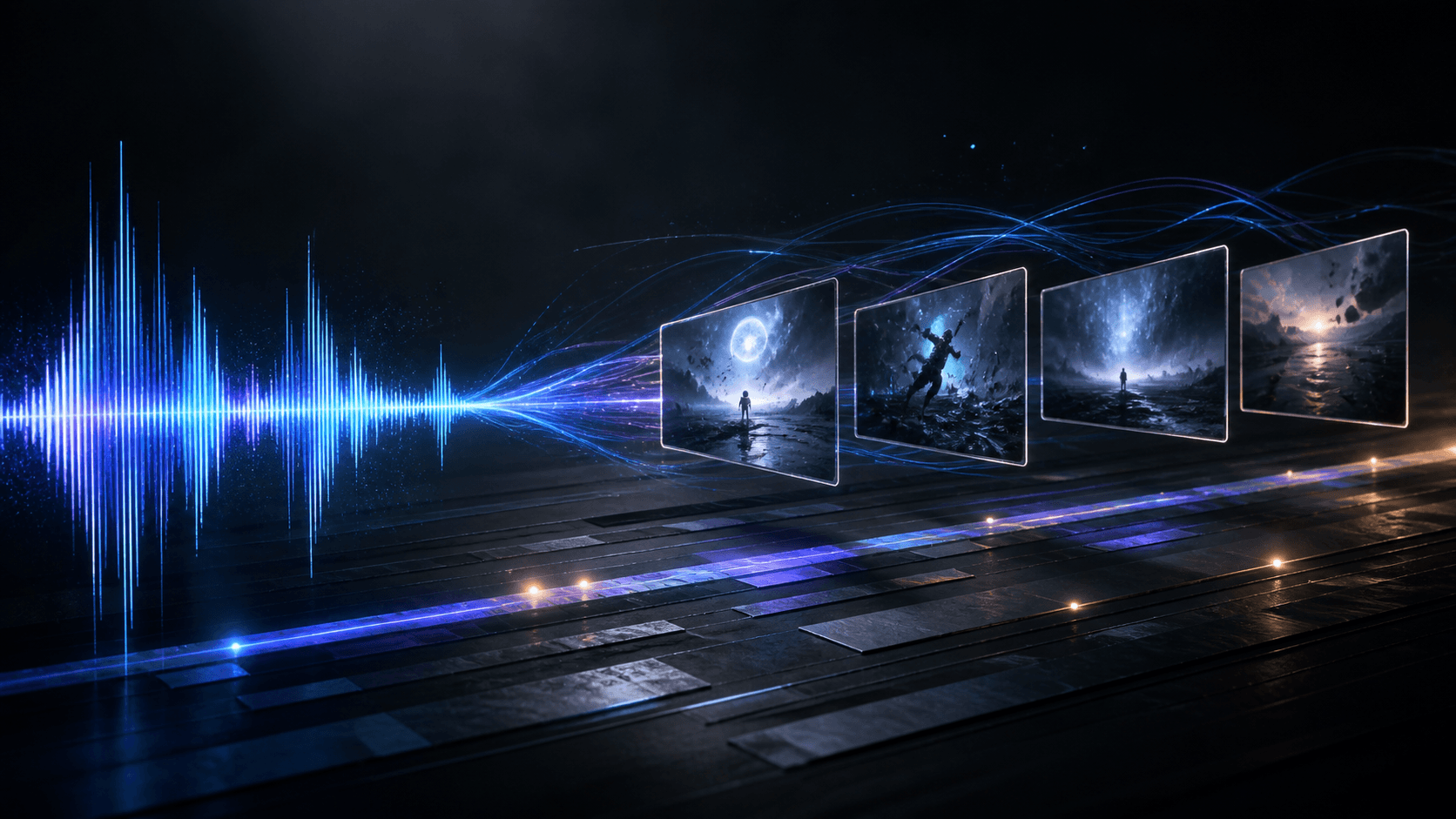
Making an AI music video is easier when the song stays in charge. The best AI music video generator workflow maps musical structure to short, editable scenes before generating a single frame.
What is an AI music video generator?
An AI music video generator turns a song, lyrics, references, and a written concept into visual scenes. It can plan a storyboard, create keyframes, animate clips, and combine them with the original track.
Audio analysis is not creative direction. A waveform can show timing, energy, and section changes, but it cannot decide whether the chorus needs a desert road, a close-up performance, or lyrics on screen. You still need a visual idea.
1. Start with the song structure
Listen once without writing prompts. Mark the intro, verses, choruses, bridge, instrumental breaks, and ending. Note where energy rises and where a cut feels natural. This gives visual changes a reason to exist.
Trim the section you want to develop, then keep that audio as the timing authority. Short scenes are easier to review than one long generation. Four to fifteen seconds is a practical range for one shot.
2. Choose a format and visual system
Pick one primary format before you generate:
- Performance MV keeps a recognizable singer on screen and can use lip sync.
- Cinematic MV uses characters, locations, atmosphere, and camera movement to carry a story.
- Lyrics Video places timed words over generated backgrounds, so legibility matters as much as style.
Then define a small visual system: recurring subject, lighting, color palette, wardrobe, and camera behavior. One consistent rule is more useful than ten unrelated style adjectives. Add references when identity or lighting is hard to describe. Only use music, likenesses, lyrics, and images that you have permission to use.
3. Build the storyboard before the video
Each scene needs a start time, end time, purpose, shot size, subject action, camera movement, image prompt, and video prompt. The image prompt describes one keyframe; the video prompt adds motion and an ending composition.
Generate a few keyframes first. Compare them at the same size and check faces, clothing, location, color, and space for lyrics. Fix continuity before generating motion clips.
4. Use Music2Video Studio as your AI music video generator
Music2Video Studio follows this workflow in one project. Choose Performance MV, Cinematic MV, or Lyrics Video. Upload an MP3, WAV, M4A, AAC, or OGG file, or import a direct HTTPS audio URL. Trim the track, then add pasted lyrics or TXT/LRC timing for a Lyrics Video.
Add optional performer and style references, describe the visual idea, choose an art style, set 16:9, 9:16, or 1:1 output, and enable lip sync when needed. The Studio analyzes the audio structure and direction, then creates a moodboard and editable storyboard for review.
Generate keyframes for selected scenes, review them, and create clips from approved images. Finally, Compose combines the clips on a web-ready 720p timeline, restores the trimmed song, and adds timed lyrics when needed. Open Music2Video Studio to start with a song you can use.
5. Review the complete cut
Watch the export from the first frame to the last. Check cuts, safe areas, lyric readability on a phone, and the final audio boundaries. If one scene fails, revise that scene instead of regenerating the whole project.
Budget a 30-second test before a full song
For three 10-second scenes, one keyframe per scene and one planning pass, Grok Imagine Video plus Nano Banana 2 uses 1 + (3 × 4) + (30 × 5) = 163 credits. Seedance 2.0 plus GPT Image 2 uses 1 + (3 × 6) + (30 × 12) = 379 credits. These are current Music2Video model rates, not a guaranteed cost for every project. Each scene's video duration rounds up to a whole second; additional images and regenerated clips use more credits.
Approve the three stills before spending the video portion of the budget. Keep a reserve for the shot that fails continuity. Compare the current credit plans with the complete production guide. A performance test also needs the lip-sync checks, while the sync review article explains where a musical cut needs human judgment.
FAQ about making AI music videos
Can I make an AI music video from any song?
Use a supported audio file or direct file URL, and confirm that you have permission to use the recording and lyrics. A clean source gives better timing information.
Do I need lyrics to make an AI music video?
No. Lyrics are required for a Lyrics Video, but Performance MV and Cinematic MV projects can use the song, visual direction, and optional references.
What makes an AI music video generator workflow work well?
Use clear song boundaries, short scenes, a repeatable visual system, approved keyframes, and a final review against the original audio. The tool creates pieces, but the sequence still needs a director.
For a text-led release, follow the chorus-first lyric video tutorial to prepare words and compose a short clip in Studio.
Keep reading
Related articles
AI Video Generator for Music Videos: A Sync Guide
An AI video generator for music videos should follow a song’s structure, not just add random clips. This guide shows how to plan and review the result.
Read article
Make Music Videos: From Song Idea to Finished Edit
Make music videos with a clear concept, a shot plan, and an edit that follows your song. Learn how to plan, create, and check each scene before publishing.
Read articleCan AI Make Me a Music Video? A Practical Guide
Can AI make me a music video? Yes. An AI music video generator can turn a song into a visual plan, keyframes, short video clips, and a finished cut. The…
Read articleMake something
Recommended tools
Explore the workflow