Can AI Make Me a Music Video? A Practical Guide
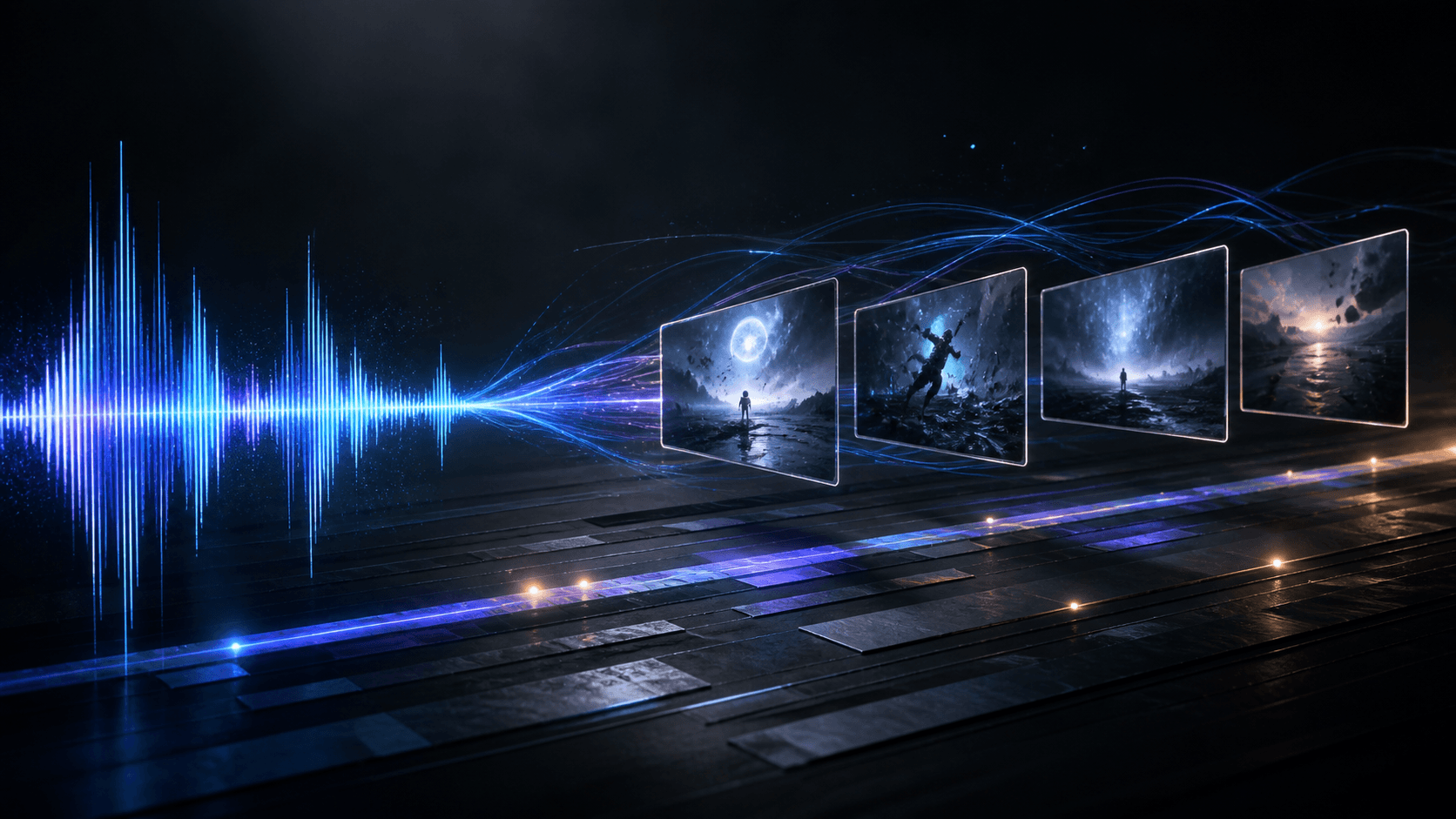
Can AI make me a music video? Yes. An AI music video generator can turn a song into a visual plan, keyframes, short video clips, and a finished cut. The important part is keeping the song, not the prompt, in charge of timing.
Can AI make me a music video from a song?
AI can make a music video from an audio file when the workflow connects musical structure to visual decisions. It can detect sections such as verses, choruses, bridges, and instrumental breaks. It can then help create a storyboard, generate reference frames, animate selected shots, and assemble those shots around the original track.
AI does not choose your audience or the emotional meaning of the song. It can show energy changes, but you still decide what the chorus should mean and which images belong in the cut.
What can AI do in a music video workflow?
The useful answer is a set of small production jobs:
- Plan scenes: Map visual changes to the song structure and define each shot's purpose.
- Create keyframes: Generate a starting image for a character, performer, location, or graphic scene.
- Animate short clips: Add camera movement, gestures, atmosphere, or transitions to an approved frame.
- Support lyrics: Use pasted lyrics or timing data when words need to appear on screen.
- Compose the cut: Place clips in order, restore the selected audio, and export a watchable video.
Short scenes are easier to control than one long prompt. A four to fifteen second shot gives you a clear review unit, so you can fix a face, outfit, camera angle, or lyric safe area without regenerating the whole project.
How to make a music video with AI
- Prepare the song. Use a clean audio file and mark the intro, verses, choruses, bridge, and ending. Trim the section you want to develop.
- Choose the format. Performance MV, Cinematic MV, and Lyrics Video need different visual rules and review checks.
- Write a visual direction. Describe the subject, setting, mood, movement, and references in plain language. Do not rely on a pile of style adjectives.
- Review the storyboard. Check timing, continuity, shot purpose, and space for lyrics before generating motion.
- Generate in passes. Approve keyframes first, create clips second, and assemble the final cut last.
- Watch the export on a phone. Check the first and last audio frame, text readability, cuts, faces, and visual continuity.
Can AI make me a music video with Music2Video?
Yes, Music2Video is built for the part after you have a song. Its ai music video generator lets you choose Performance MV, Cinematic MV, or Lyrics Video, upload or import audio, trim it, add references, and choose a 16:9, 9:16, or 1:1 output.
The Studio analyzes the selected audio and creates an editable storyboard. Review timing, prompts, lyrics, and enabled shots before generating keyframes. Then create clips from approved scenes. Compose places them on a timeline with the trimmed song and optional timed lyrics.
This review loop matters. A generator can produce an attractive shot that does not belong beside the previous one. Keep the shots that serve the song, revise the ones that do not, and export only after the sequence works.
Check whether the first test answers your real requirement
A useful test is one chorus with three short scenes, not an entire track generated at once. Write down what must survive: the artist's likeness, a repeated location, readable words or a specific movement. Approve the keyframes, then inspect the generated motion against that requirement. A failed face or unreadable text is a reason to change the method before producing the remaining song.
Use the lip-sync guide when the singer's performance is essential. Use the song-to-video guide when scene planning is the main need. If you still need to create the audio, the music-tool comparison covers that separate decision. Return to the Music2Video AI music video generator when the recording is ready.
FAQ: can AI make me a music video?
Can AI make me a music video from any song?
Yes, if you have permission to use the recording, lyrics, performer likeness, and reference material. A clean audio file gives AI better timing information.
Can AI make a music video without lyrics?
Yes. Performance and cinematic music videos can use the song and visual direction without a lyric file. Lyrics are needed for timed on-screen words.
How long does it take to make an AI music video?
The time depends on the song length, scene count, and how much continuity you review. Planning short scenes first makes revisions easier to manage.
What should I check before publishing an AI music video?
Check visual continuity, lyric readability, audio boundaries, export quality, and permission for every song, image, likeness, and generated asset you use.
Keep reading
Related articles
AI Video Generator for Music Videos: A Sync Guide
An AI video generator for music videos should follow a song’s structure, not just add random clips. This guide shows how to plan and review the result.
Read articleHow to Make AI Music Videos
Making an AI music video is easier when the song stays in charge. The best AI music video generator workflow maps musical structure to short, editable…
Read articleMureka Alternatives: 5 Best AI Music Tools
Mureka is a strong AI music starting point. The best Mureka alternatives depend on whether you need full songs, soundtrack control, or a finished music…
Read articleMake something
Recommended tools
Explore the workflow