AI Music Video Generator from Lyrics: A Practical Guide
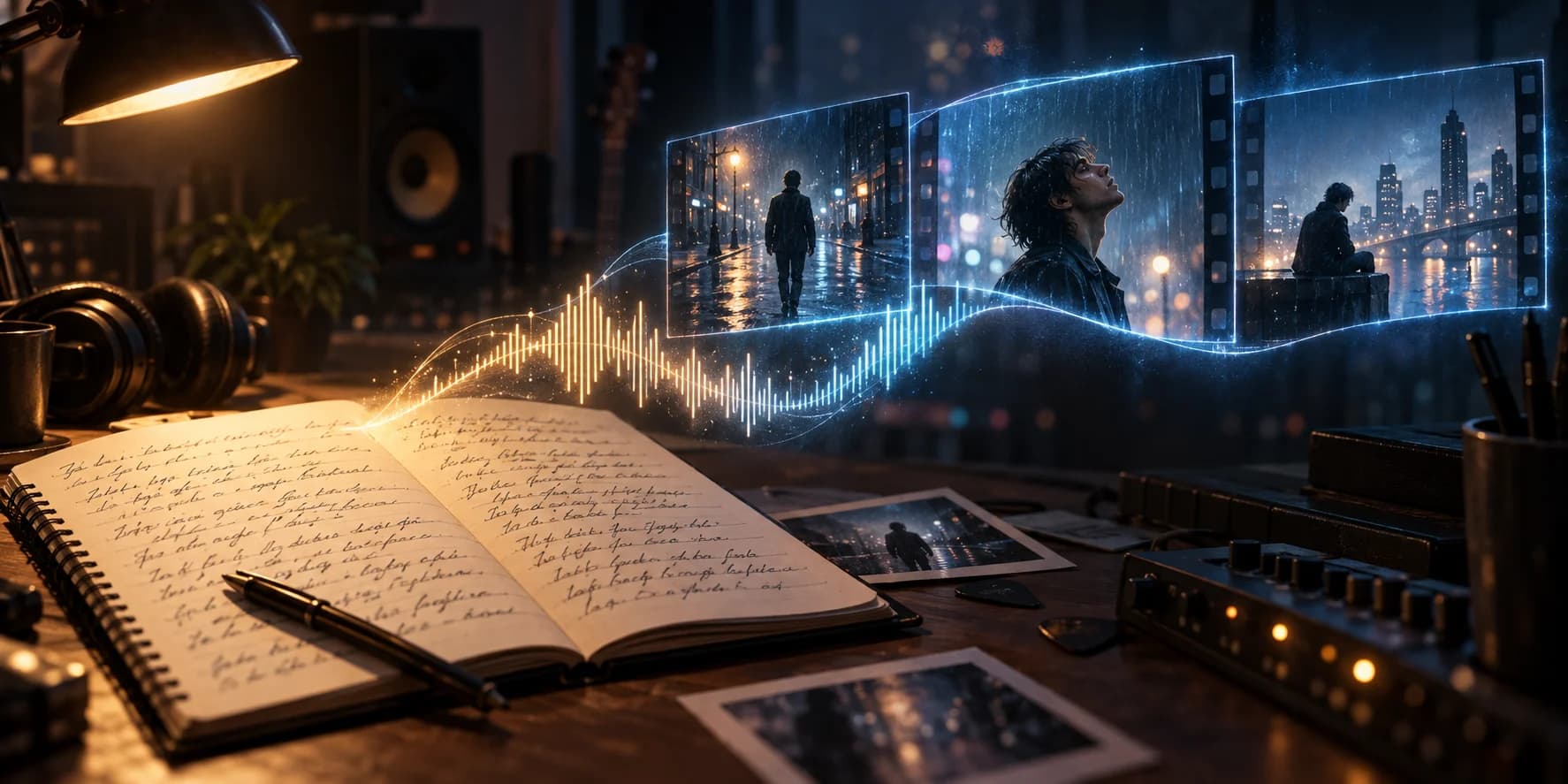
An AI music video generator from lyrics turns song words into visual ideas. Learn to plan scenes, add audio timing, and create a readable lyric video.
For independent musicians and songwriters, the useful starting point is a clear relationship between the words and the pictures. Decide whether listeners should read each line, follow a story, or watch a performance before generating anything.
What is an AI music video generator from lyrics?
An AI music video generator from lyrics uses a song's words to guide settings, subjects, mood, and scene prompts. Some workflows produce backgrounds for timed text; others build narrative clips. Lyrics describe meaning, but they do not contain the melody, vocal delivery, or exact timing of a recording.
A lyric video puts readable words on screen. A narrative music video interprets those words through images. Choose the first when the audience needs to learn the chorus; choose the second when the story matters more than displaying every line.
How do you turn lyrics into useful scene prompts?
Start with one visual idea per verse or chorus. Identify the speaker, setting, and emotional change. Repeated phrases can return to the same location with different framing, so the chorus feels connected instead of introducing an unrelated world each time.
For an original line such as “I leave the porch light on,” a useful prompt might be: “A singer waits beside a lit doorway at dusk, blue coat, warm interior light, slow camera push.” This gives the generator a subject, place, wardrobe, lighting, and motion.
Keep that description stable across nearby shots. Change the action when the lyric changes. Avoid illustrating every noun literally: a song about distance does not need a new highway, airport, and ocean in three consecutive lines.
How to create a music video from lyrics and audio
- Prepare the text. Check spelling, line breaks, repeated choruses, and the exact words in the recording.
- Add the song. Use the final audio version and select the section you want to develop. Lyrics alone cannot establish vocal timing.
- Map the lines. Match each phrase to its start and end. Timestamped LRC files provide a starting point; listen again to check alignment.
- Approve the visuals. Review still frames for character consistency and space around the text before generating moving clips.
- Check the export. Watch on a phone with sound. Correct late lines, crowded text, abrupt cuts, and missing words.
Use Music2Video for a lyrics video workflow
Start from Music2Video to open the site's Music2Video workflow. Choose Lyrics Video, add your audio, and paste lyrics or upload TXT or LRC. The Studio preserves LRC timestamps and provides an editable storyboard before you generate keyframes and clips.
Review scene timing, display text, and prompts before composition. Keep lyrics as a text layer over generated backgrounds rather than asking the image model to draw the words. This makes spelling and placement easier to control. The AI lyric video maker guide explains the workflow in more detail. For late lines or text that is hard to read on a phone, use the AI lyrics video maker timing checks.
Turn one lyric into three connected shots
Use an invented line, “I leave the porch light on,” as a direction exercise. In a 30-second chorus, plan three 10-second scenes: the singer waits inside, the hand reaches for the door, then the singer steps outside. Keep the blue coat, doorway and warm light in all three image prompts. Put the action and camera movement in the video prompts.
This is a planning example, not an account of a published project. It shows how lyrics can guide a visual change without asking the model to render written words. If text accuracy is the main deliverable, use the line-timing checks. If the song should carry the story through images, use the cinematic direction guide.
Frequently asked questions
Can an AI music video generator work from lyrics alone?
Lyrics alone can guide a visual concept and storyboard. A finished video with accurate singing and text timing also needs recorded or generated audio.
Do I need an LRC file to make a lyric video?
No. You can start with plain text, then review the timing. LRC adds timestamps, which help place lyric lines against the recording.
How do I keep AI music video scenes consistent?
Reuse a clear description of the subject, wardrobe, location, lighting, and camera style. Review still frames together before generating motion.
Begin with one chorus and verify its words, timing, and visual continuity before extending the approach to the full song.
For the Studio steps from audio import to composition, use the first-chorus lyric video tutorial.
Keep reading
Related articles
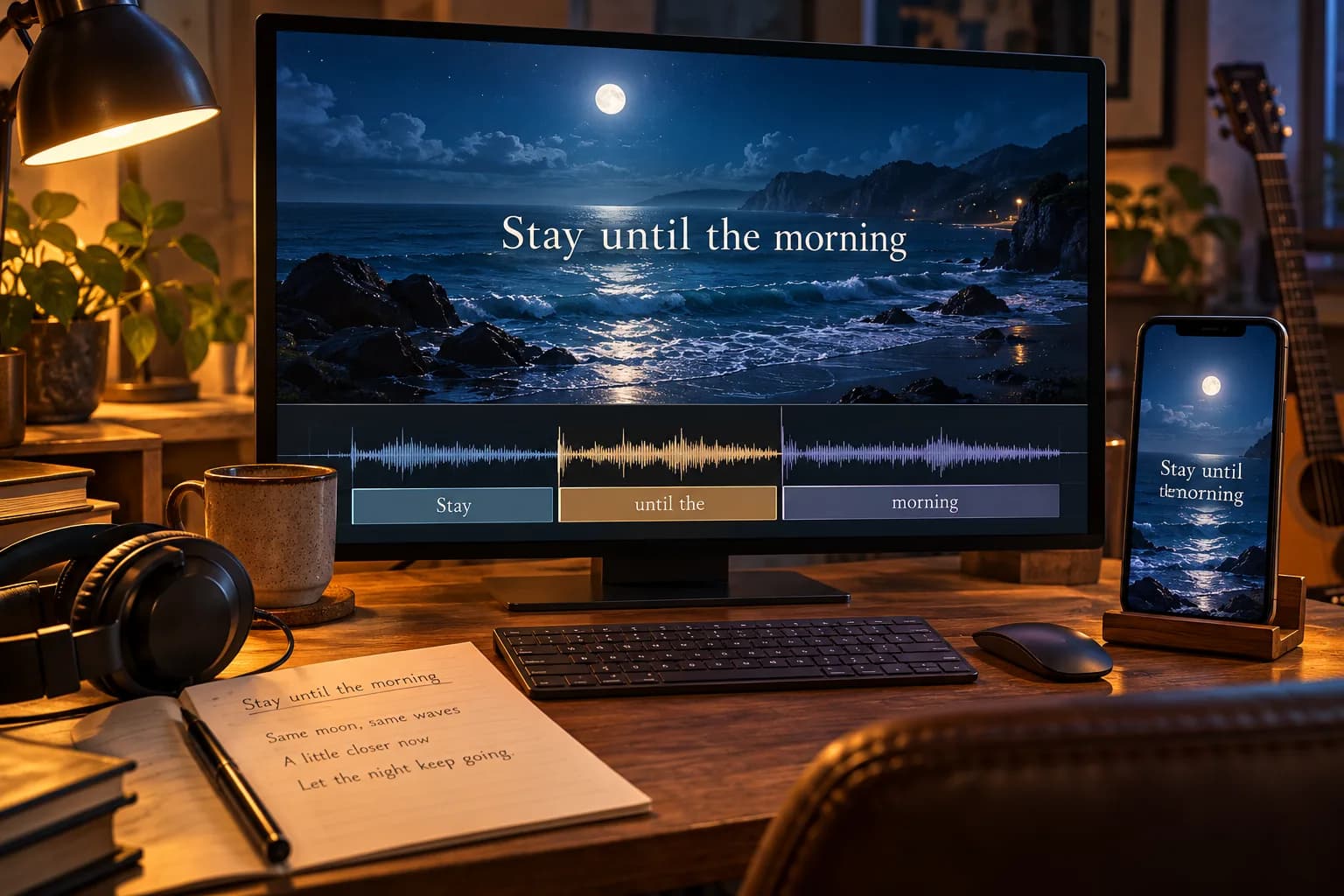
AI Lyrics Video Maker: Get Words and Timing Right
An AI lyrics video maker pairs song audio with timed text. Learn to correct lyric timing, choose readable layouts, and check your video before publishing.
Read article
AI Video Generator for Music Videos: A Sync Guide
An AI video generator for music videos should follow a song’s structure, not just add random clips. This guide shows how to plan and review the result.
Read article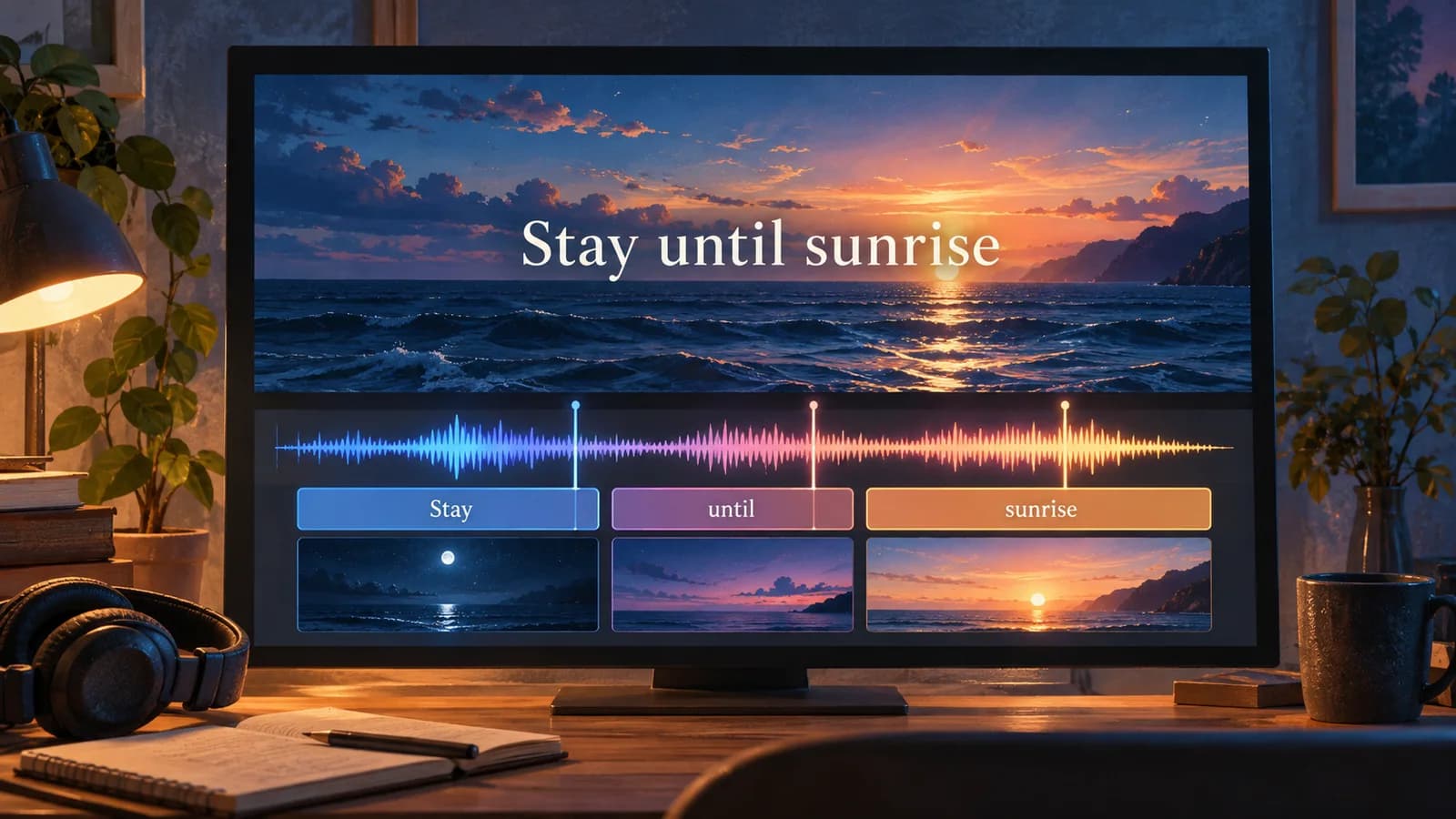
Make Lyrics Video AI: Build Your First Chorus
Make lyrics video AI projects with a chorus-first workflow. Prepare words, generate backgrounds, and export a readable lyric video in Music2Video Studio.
Read articleMake something
Recommended tools
Explore the workflow