AI Lyrics Video Maker Free: Check Credits Before You Create
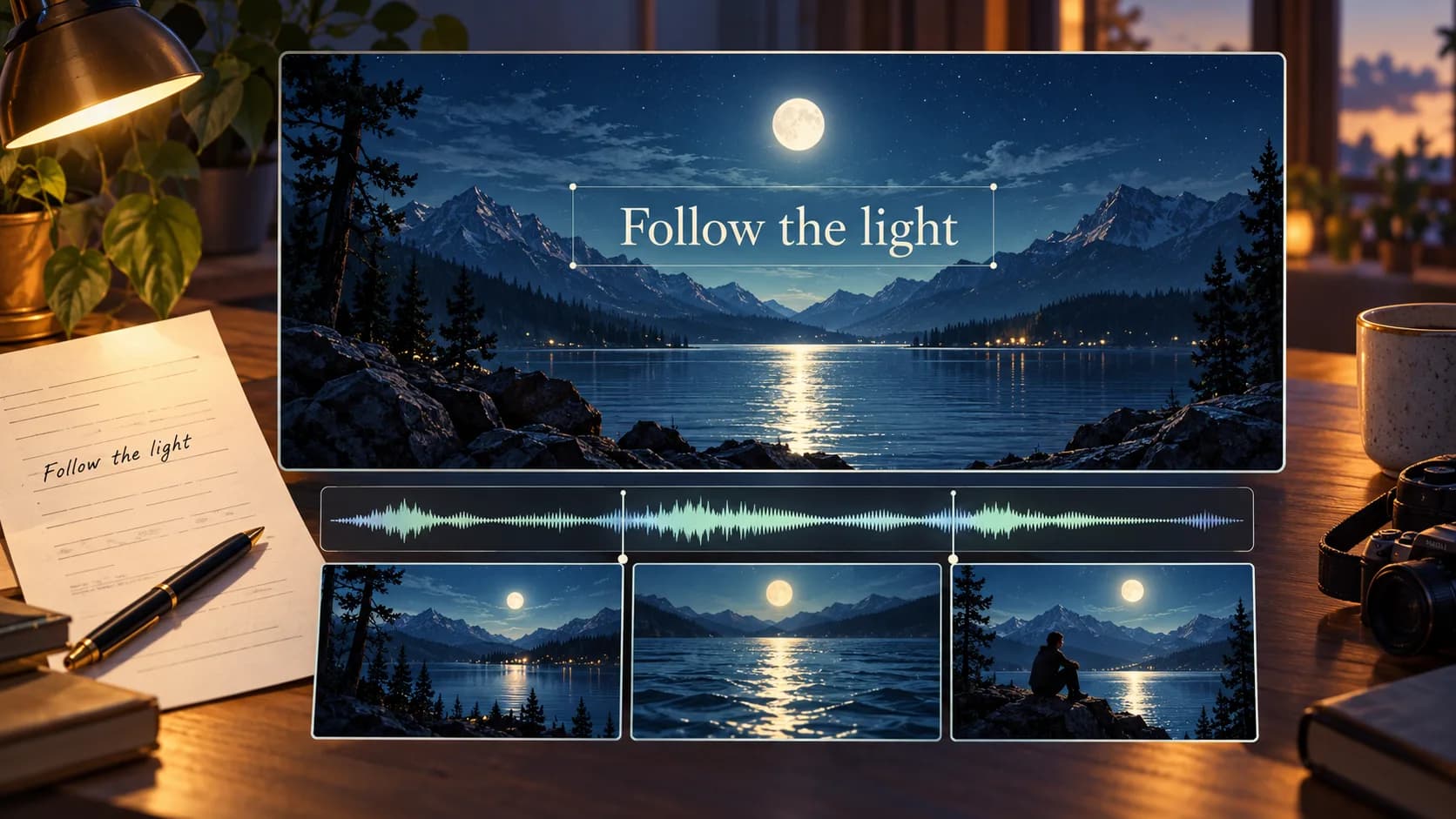
Searching for an ai lyrics video maker free? Check Music2Video's trial credits, prepare your lyrics, and review generation costs before creating a video.
What does a free AI lyrics video maker include?
An AI lyric video maker combines a song, timed words, and visual backgrounds. Free access may cover only part of that process. For independent artists, the useful question is how far the allowance takes a specific project. Check generation costs before planning a complete release.
Separate editing access from generated media. Storyboard planning, background images, and motion can each consume credits. A free account alone does not establish that every step or a finished download is included.
Start with a short section of your final recording. Prepare the exact words, including repeated phrases. Plain text needs timing review; an LRC file supplies line timestamps that still need to match your audio edit.
Keep lyric text separate from the generated background. Leave calm space behind the words, and inspect the busiest frame on a phone. Correcting a typo should not require generating another landscape.
Check Music2Video credits before generating
Music2Video grants new accounts 15 signup credits. Planning costs 1 credit; Nano Banana 2 keyframes cost 4 credits each. One planning pass plus three keyframes costs 13 credits, before motion. Video generation requires additional credits, so this allowance does not cover that complete video.
The pricing page explains current plans and production examples. Music and video generation share a balance; check what remains before continuing.
Build a lyric video in Studio
Music2Video's AI music video generator includes a dedicated Lyrics Video workflow:
- Open Studio, choose Lyrics Video, upload audio or import a direct HTTPS audio-file link, then trim the section.
- Paste lyrics or upload TXT or LRC. Choose an art style and 16:9, 9:16, or 1:1 framing; add reference images if needed.
- Review the moodboard and storyboard. Correct display text, scene timing, and prompts before generating images.
- Approve keyframes, check the motion estimate, generate clips, then compose. Review the downloaded video's lyric timing and readability.
Free AI lyric video questions
Can I finish a lyric video for free?
Music2Video gives new accounts 15 signup credits. A finished video can require more; review the generation estimates before committing.
Can I upload lyrics without timestamps?
Yes. Paste text or upload TXT. LRC is also supported. Review line timing against your selected audio.
Does Studio transcribe my song?
No. Lyrics Video requires supplied lyrics. Prepare the words before starting your project.
Open Studio with your recording and lyric sheet, then check the estimate for your first storyboard.
Keep reading
Related articles
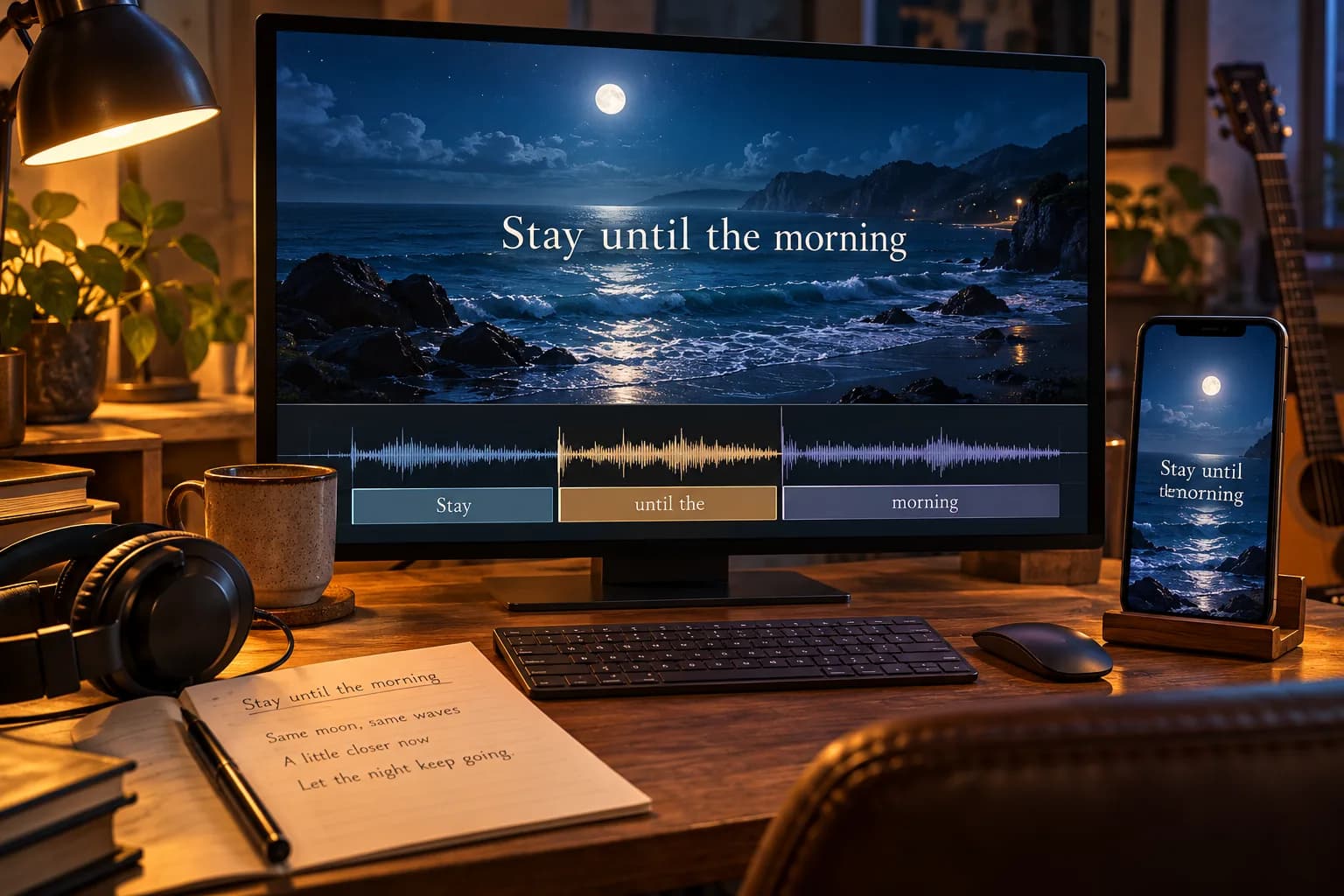
AI Lyrics Video Maker: Get Words and Timing Right
An AI lyrics video maker pairs song audio with timed text. Learn to correct lyric timing, choose readable layouts, and check your video before publishing.
Read article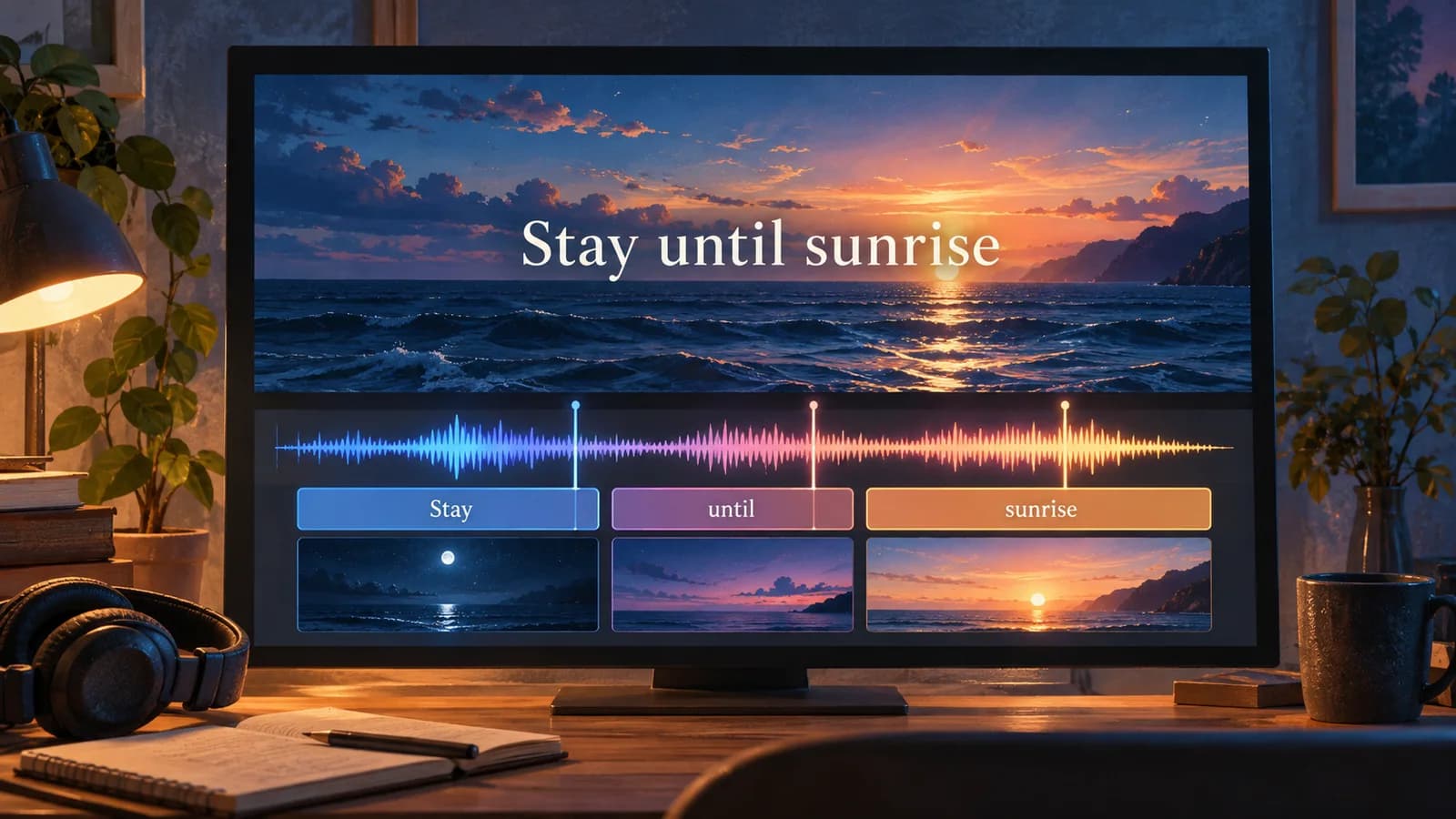
Make Lyrics Video AI: Build Your First Chorus
Make lyrics video AI projects with a chorus-first workflow. Prepare words, generate backgrounds, and export a readable lyric video in Music2Video Studio.
Read article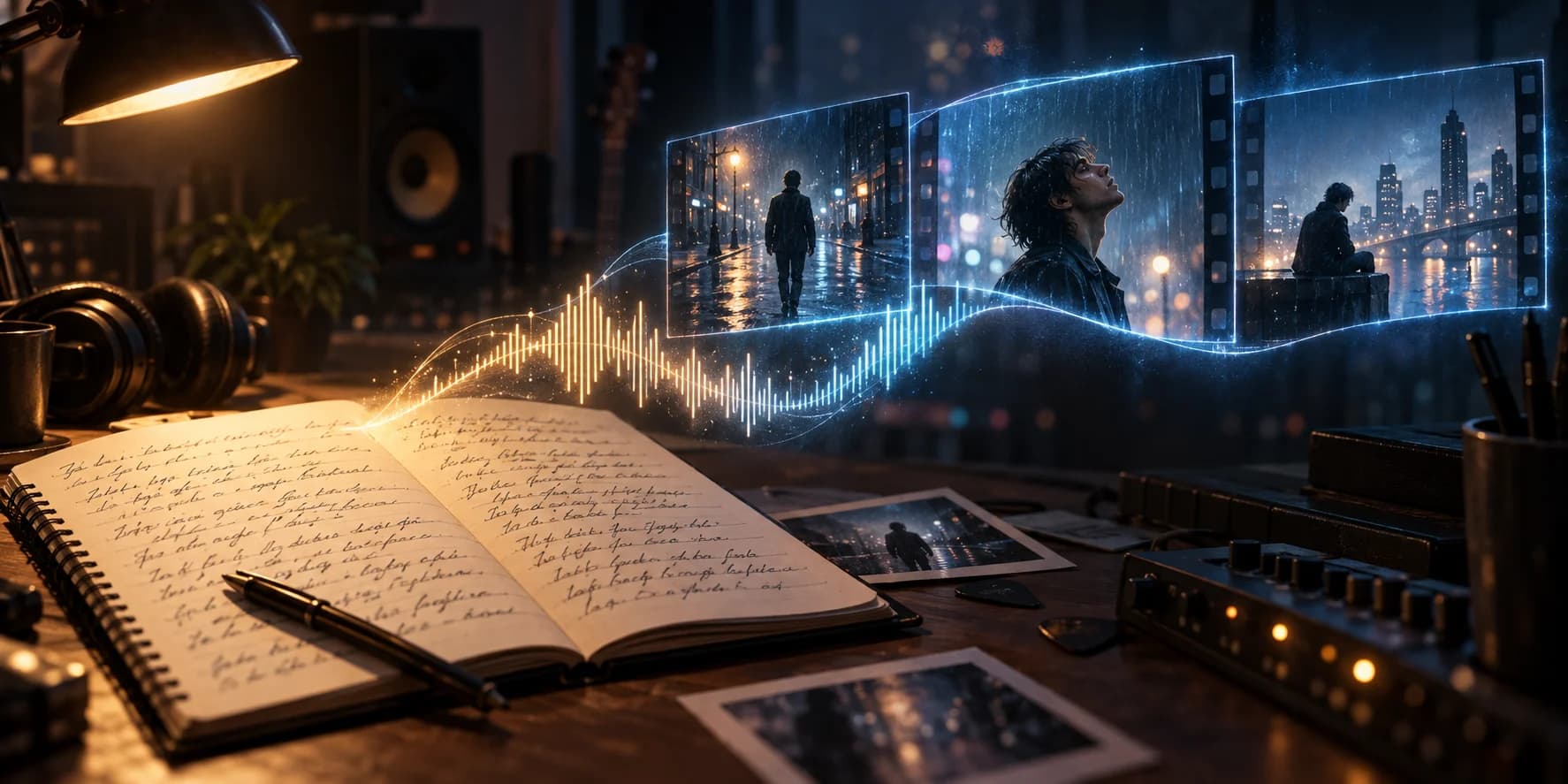
AI Music Video Generator from Lyrics: A Practical Guide
An AI music video generator from lyrics turns song words into visual ideas. Learn to plan scenes, add audio timing, and create a readable lyric video.
Read articleMake something
Recommended tools
Explore the workflow